Spectator

What's new

New features, improvements and fixes in Spectator.

New

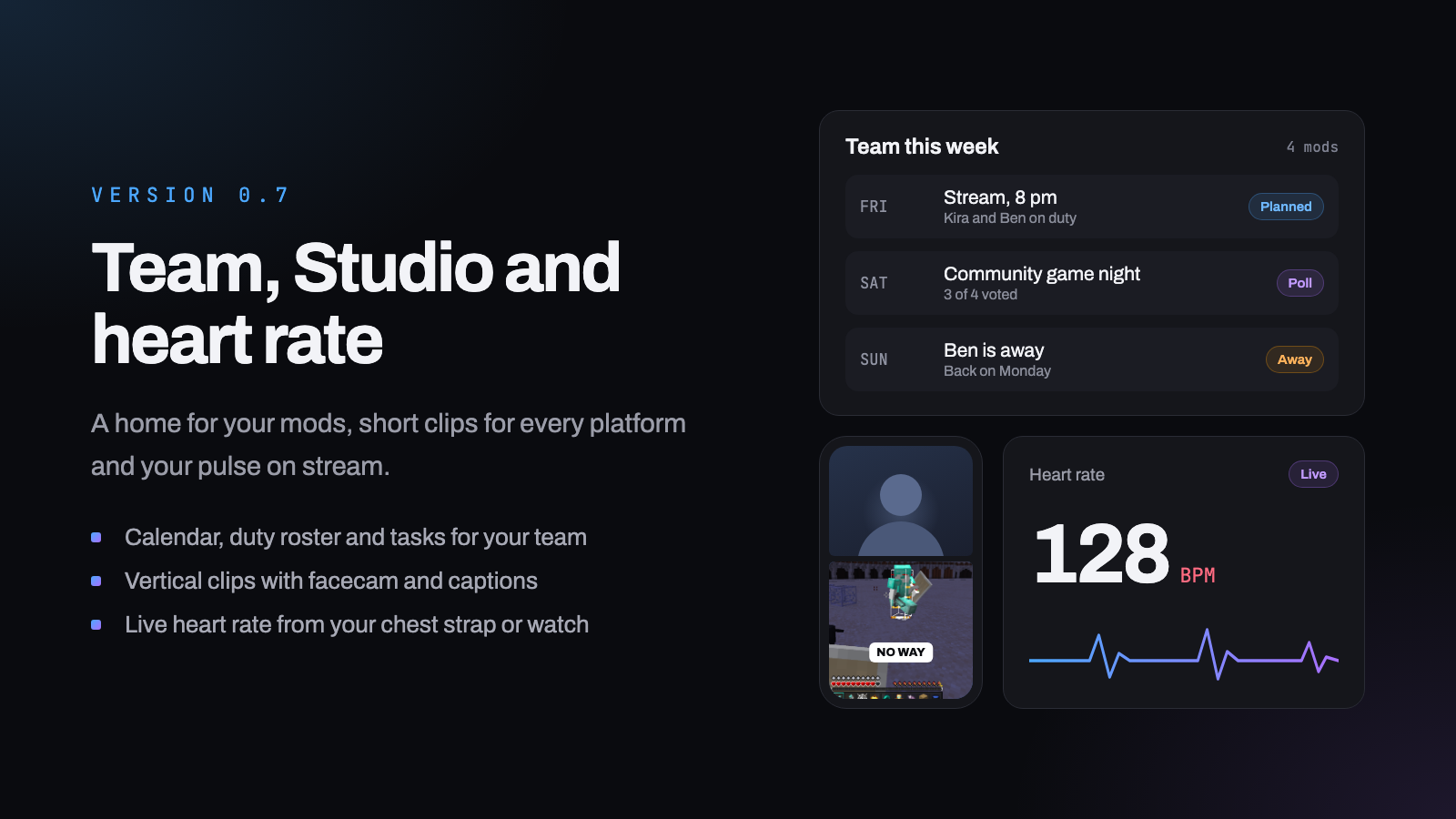
Version 0.7 · Team area, Studio and heart rate

The biggest update so far: a home for your team, short clips for TikTok, Shorts and Reels, your heart rate on stream, and sharper analytics.

Team area

Your mods and managers get their own space, so planning no longer happens in scattered DMs.

  • Shared calendar with polls to find a time that works, subscribable in Google, Apple or Outlook
  • Duty roster, tasks and absences, so everyone knows who covers what
  • Idea board with voting, pinned notes and a team chat

Studio (beta)

Turn Twitch clips or your own videos into vertical clips.

  • Trim, add captions, facecam on top and game below
  • The highlight radar clips big chat moments, raids and cheers on its own
  • Reusable styles, and a QR code to send a clip to your phone
  • Mods can cut clips too, you approve them before anything goes out

Heart rate overlay

Connect a chest strap or watch over Bluetooth and show your pulse in OBS. Values are passed through, never stored.

Analytics

  • Best time to stream, based on your own numbers
  • Games compared by viewers, followers and chat
  • Regulars and new faces in your chat

Fixes

  • Overlays update in OBS without a refresh, with an optional "Go live" button
  • Timers take any duration, counters can be set in the editor
  • Calendar feed works in Google Calendar, layouts fit on phones, plus many small fixes
New

Version 0.6 · Overlays for everyone (beta)

Overlays are now open to every channel and marked as beta. Build a scene in the editor, drag alerts, the song queue, counters, timers and goals onto one canvas and add it to OBS as a single browser source.

Every alert type can have its own sound, and a test button lets you try each one right away. Overlays are new, so if something is off or an element is missing, let us know.

New

Version 0.5 · Your profile, with stats

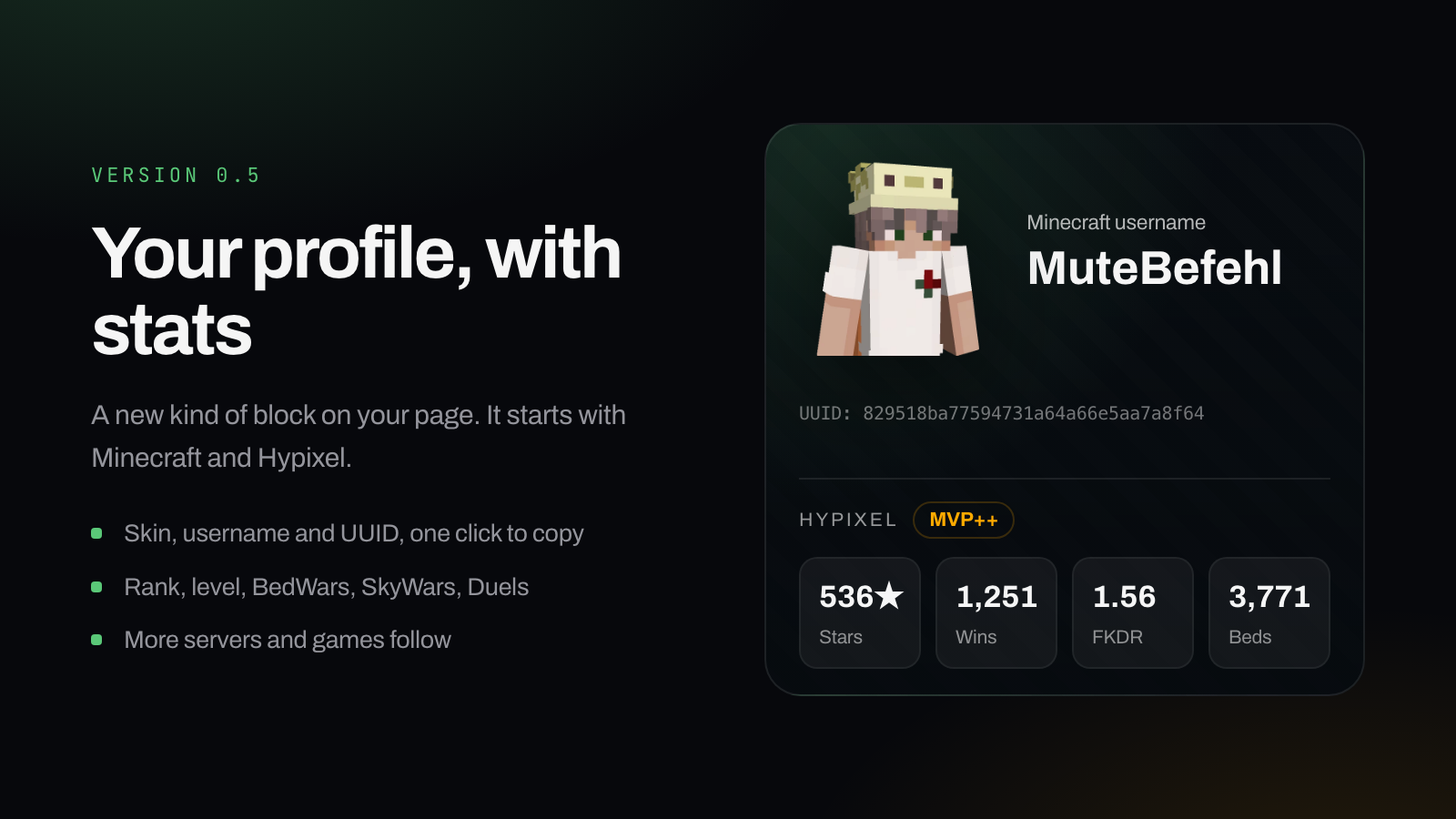
A new kind of block for your channel page: your gaming profile with live numbers, right where people already look.

The first version covers Minecraft. It shows skin, username and UUID, and with Hypixel picked as the server also your rank, your network level and the stats that count from BedWars, SkyWars or Duels. Values are cached, so the page stays quick.

More servers and more games follow, in the same design.

Data from the Hypixel API. Not affiliated with or endorsed by Hypixel.

New

Version 0.4 · Bring your old bot over

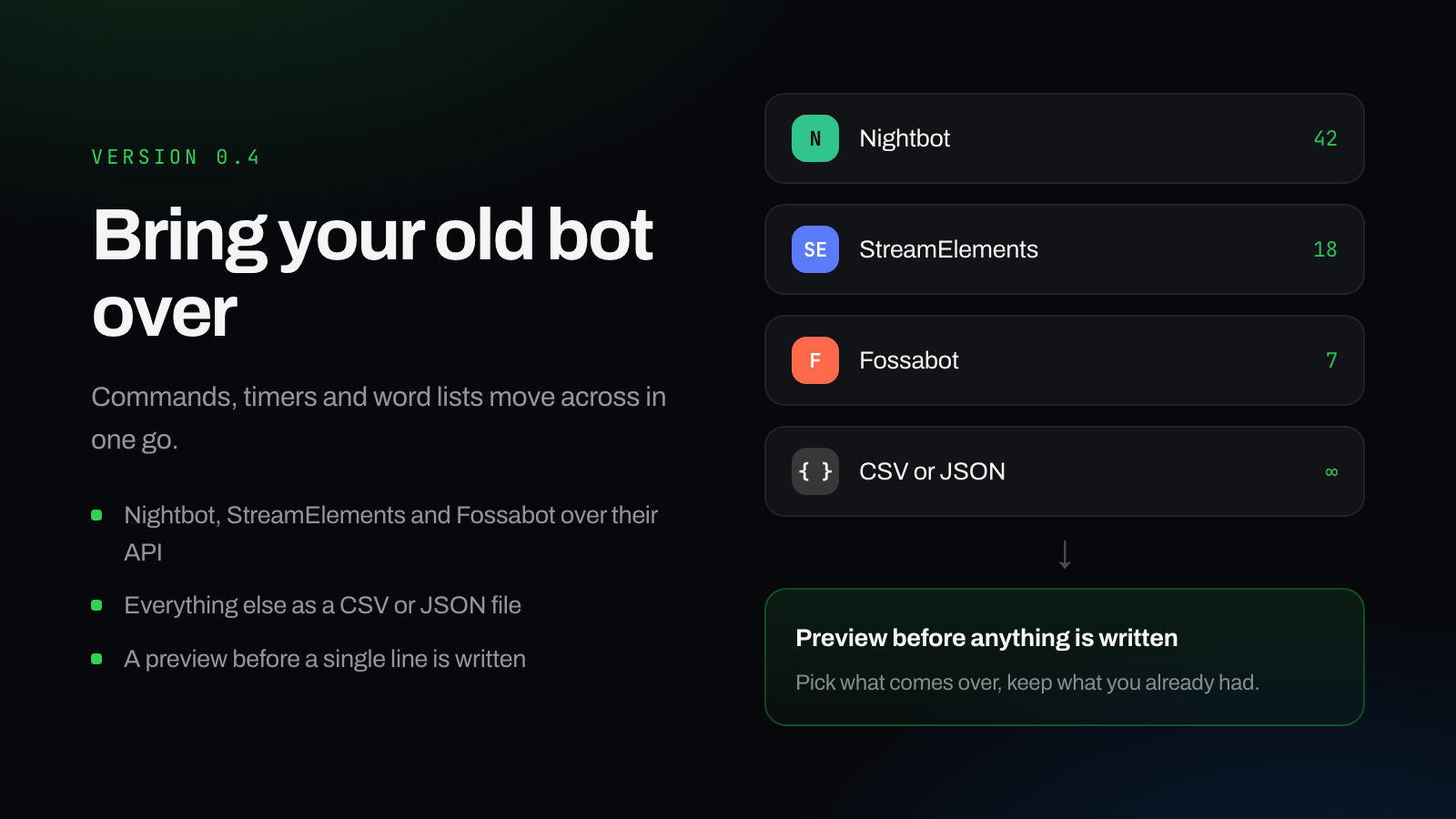
Commands, timers and word lists come over from another bot in one go. Nightbot, StreamElements and Fossabot connect over their API, everything else works as a CSV or JSON export.

You see every entry in a preview before a single line is written, and you decide what comes over and what stays as it is.

The import is still marked as beta.

Improved

Version 0.3 · Stay signed in

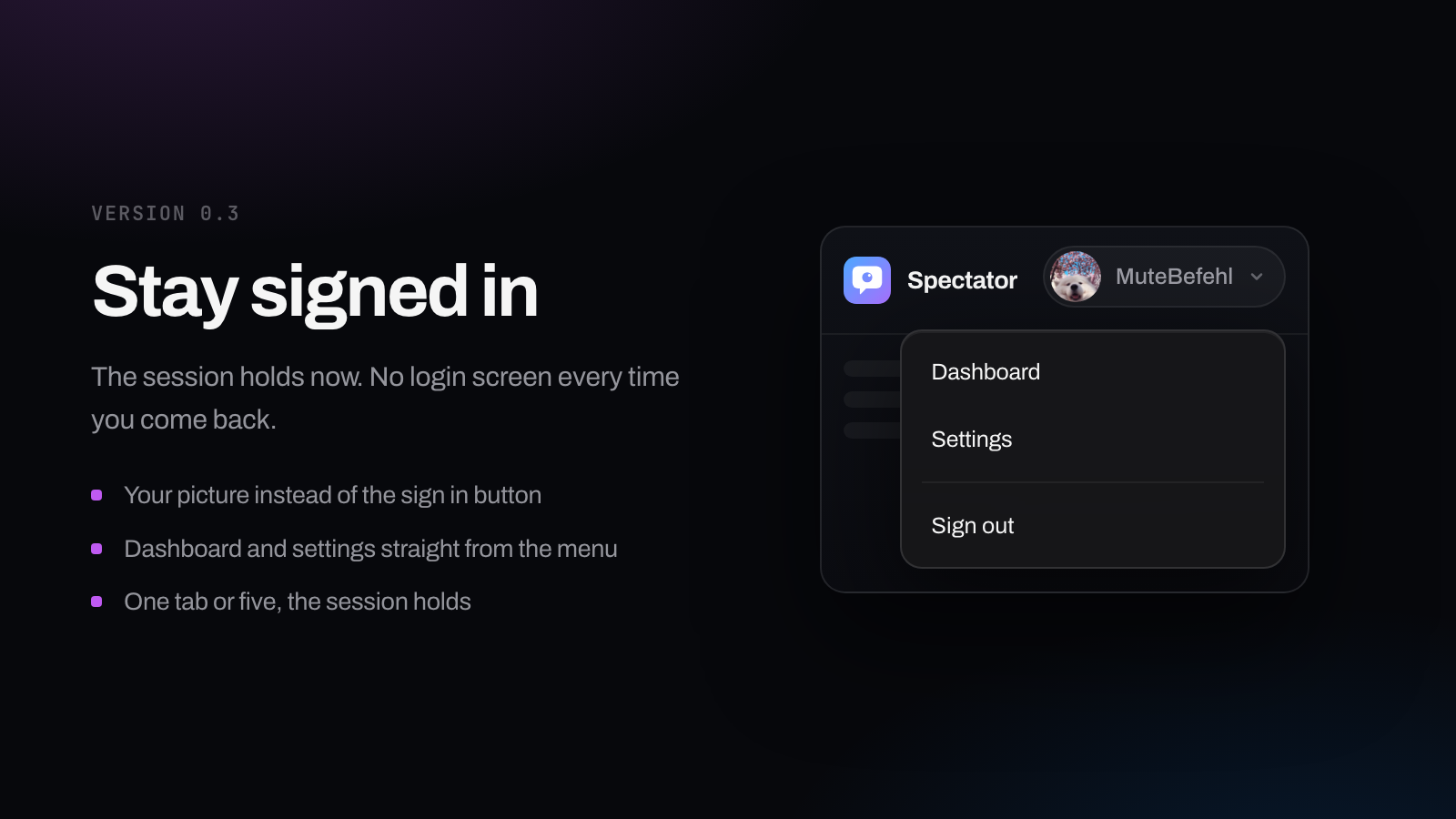
Your session stays alive instead of ending after a while. Where the sign in button used to be you now get your profile picture with dashboard, settings and sign out.

Fixed

!7tv, !ip, !poll and !endpoll can be switched off or given a second name again. The settings page answered with an error before.

Note

!title, !game and stream markers need a Twitch permission that was missing so far. Sign in once more and the commands work.

New

Version 0.2 · Your own channel page

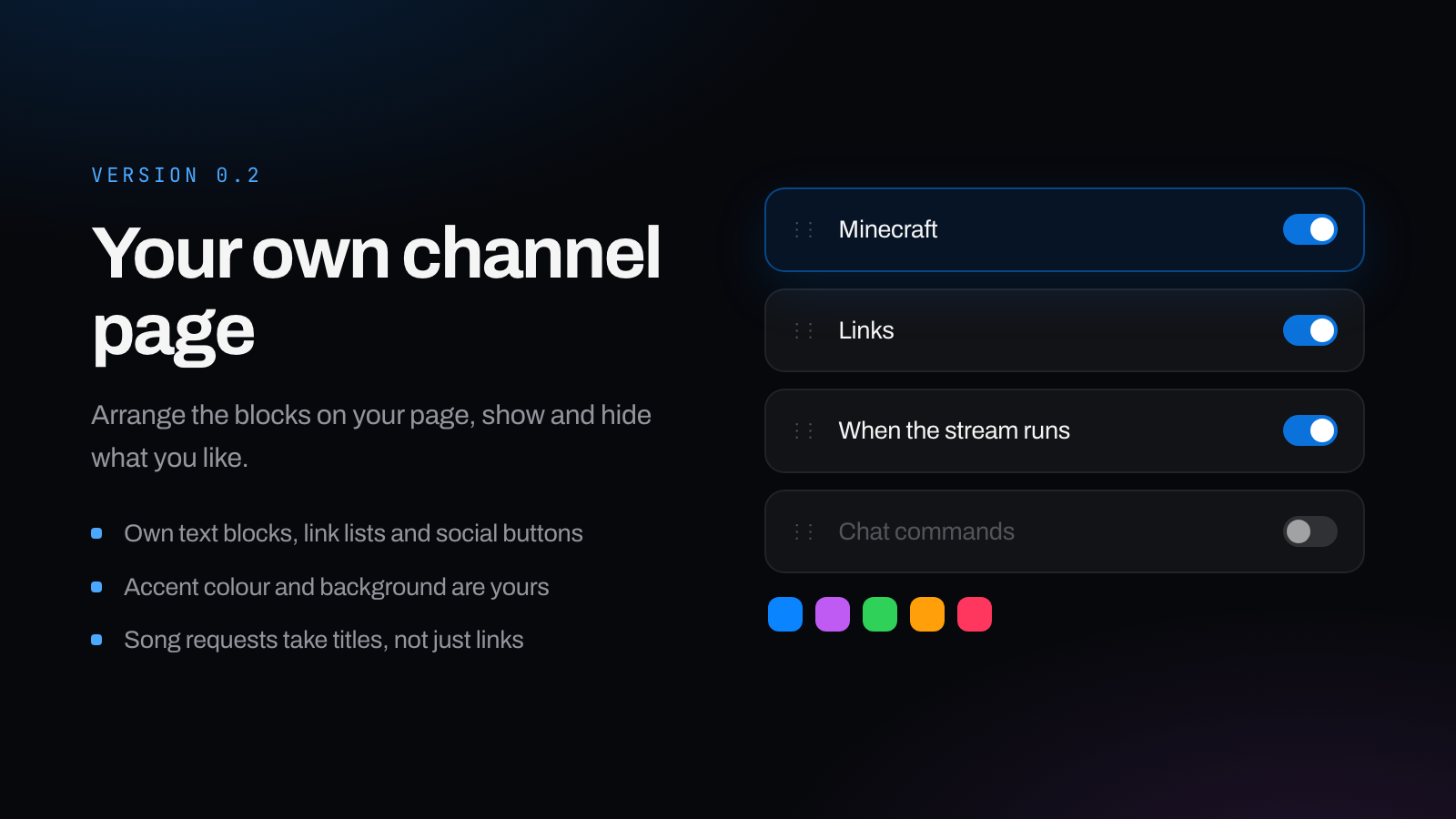
Blocks on your channel page can be moved, shown and hidden. On top of that come your own text blocks, link lists and social buttons, plus the accent colour and the background.

Song requests take song titles now, not just links, as soon as Spotify credentials are stored. The bot also names only the sources you actually turned on.

Accounts can be reported as bots straight from the watchtime leaderboard. They disappear from your own channel immediately and, once reviewed, for everyone.